Get Chime on Google Play — Privacy-first SMS, sorted on-device, never uploaded→
Now on Google Play

Messages, sorted.
Nothing uploaded.

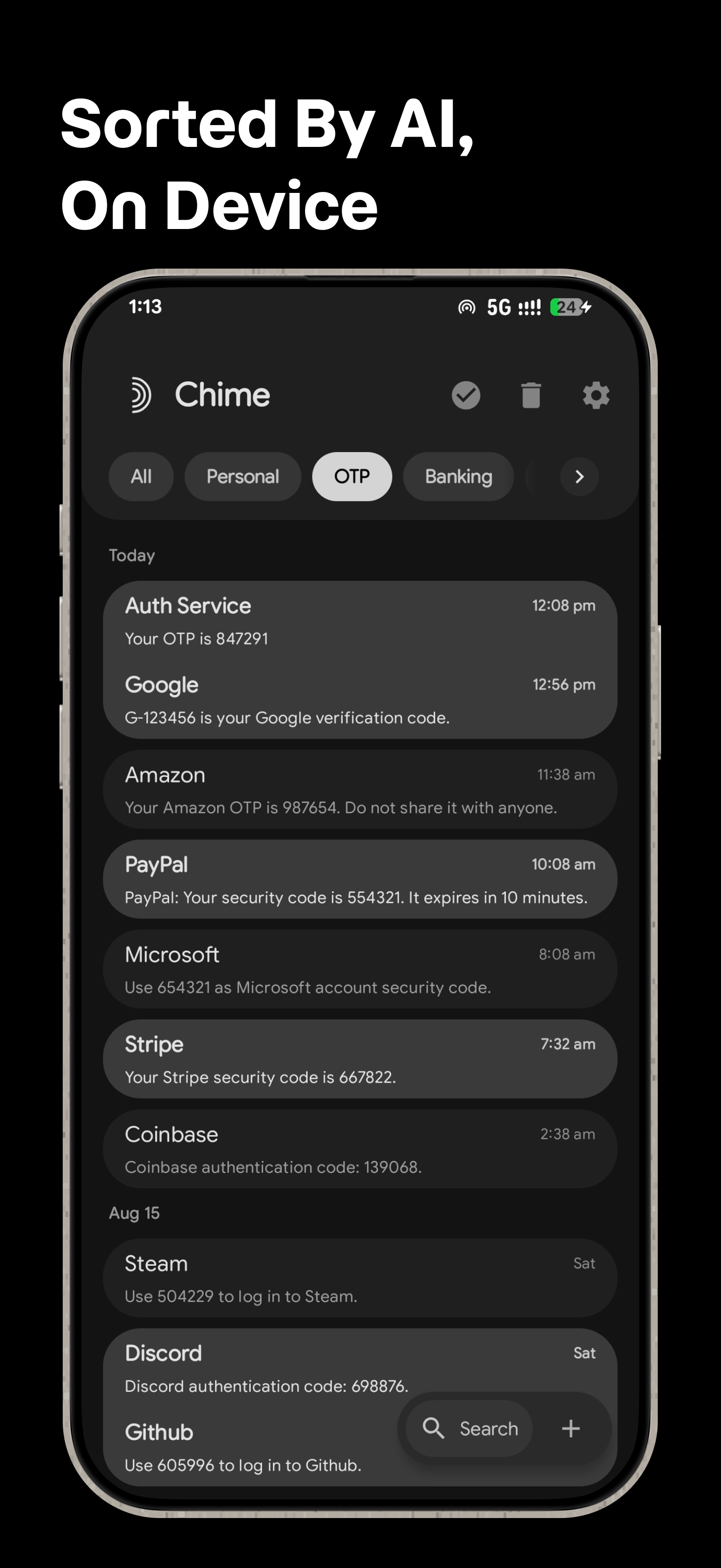
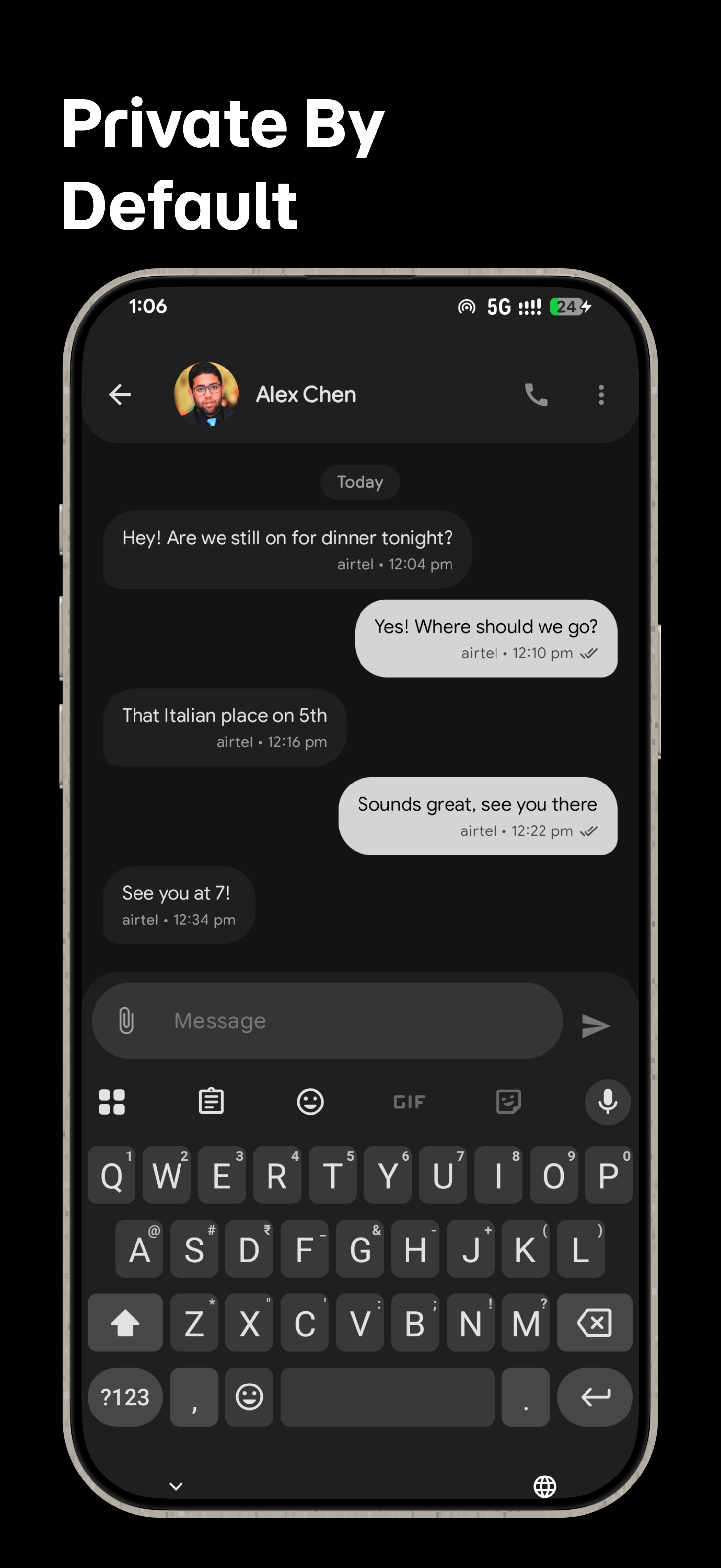
Chime is a privacy-first SMS client for Android. A model on your phone learns to sort Personal, OTP, Banking, Promos, Carrier and Spam — and it never leaves the device.

$2.99 one-time · Android 11+ · No account · No ads · No telemetry

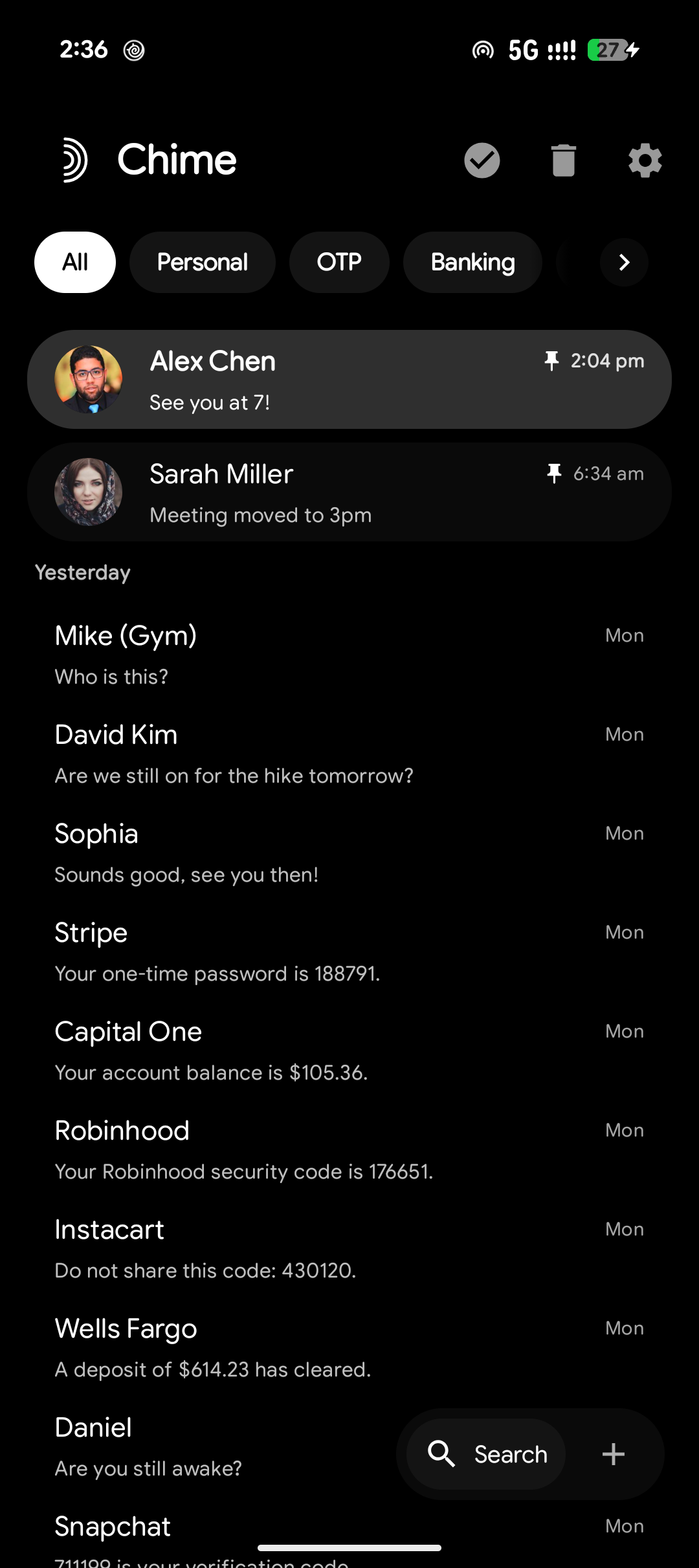
Chime inbox screenshot

Built for reading less, knowing more.

Every feature is tuned toward getting through your inbox faster — without a server in the loop.

01

On-device categorization

A classifier trained on 62,457 words sorts every thread into Personal, OTP, Banking, Promos, Carrier or Spam — and retrains locally whenever you correct it.

02

Message reminders

Chime spots dates and times in incoming texts — “meet tomorrow at 3pm” — and offers a one-tap reminder, from the message or straight from the notification.

03

Custom categories

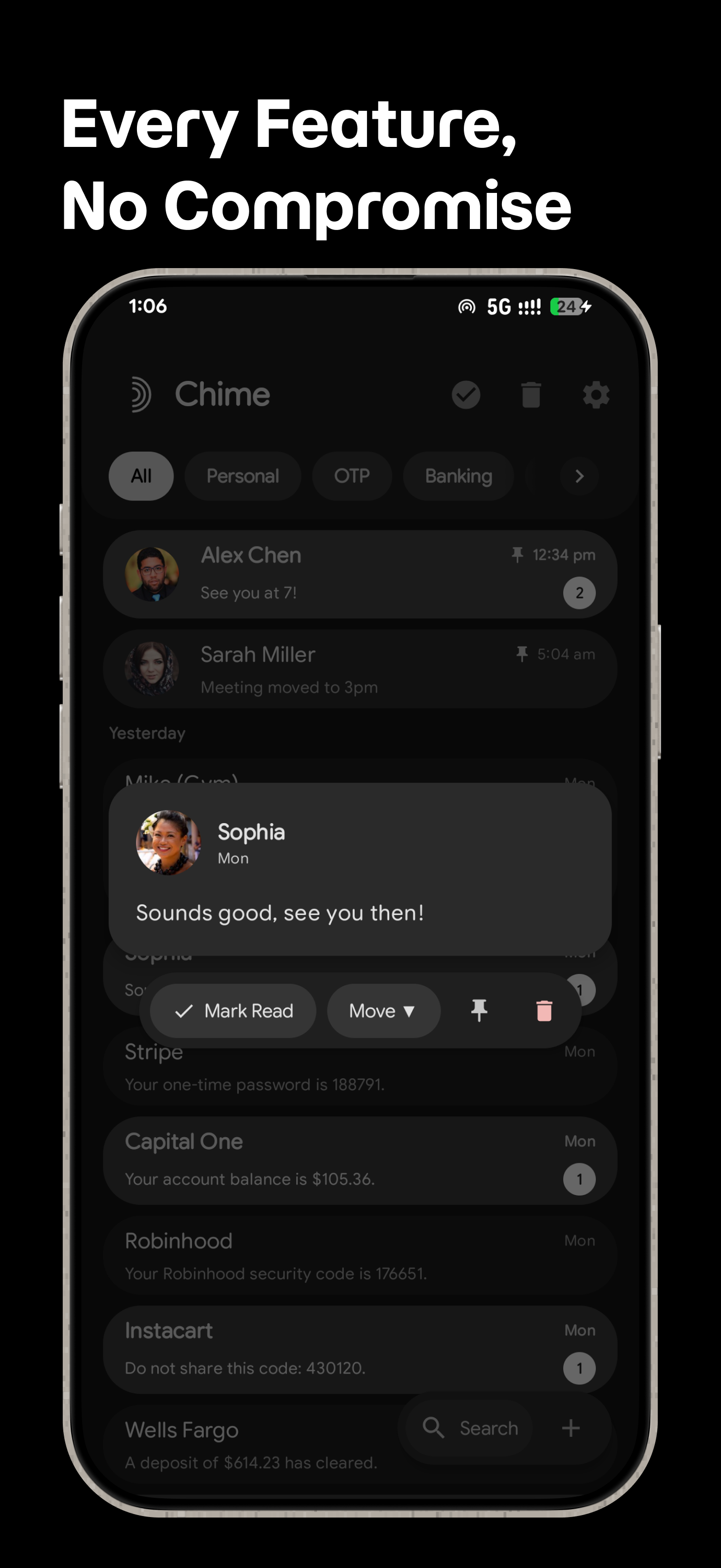
Build your own categories, tune each one's weight by hand, and drag the tabs into the order you actually read in.

04

Smart actions

Copy an OTP straight out of a code message, or tap a number to call. Both work from the thread and from the notification.

05

Scheduled messages

Queue a message for later and pick your SIM on dual-SIM phones. WorkManager sends it even if Chime isn't open.

06

Instant search

An FTS4 index spans every thread, auto-focused the moment you open it.

07

Swipe actions with undo

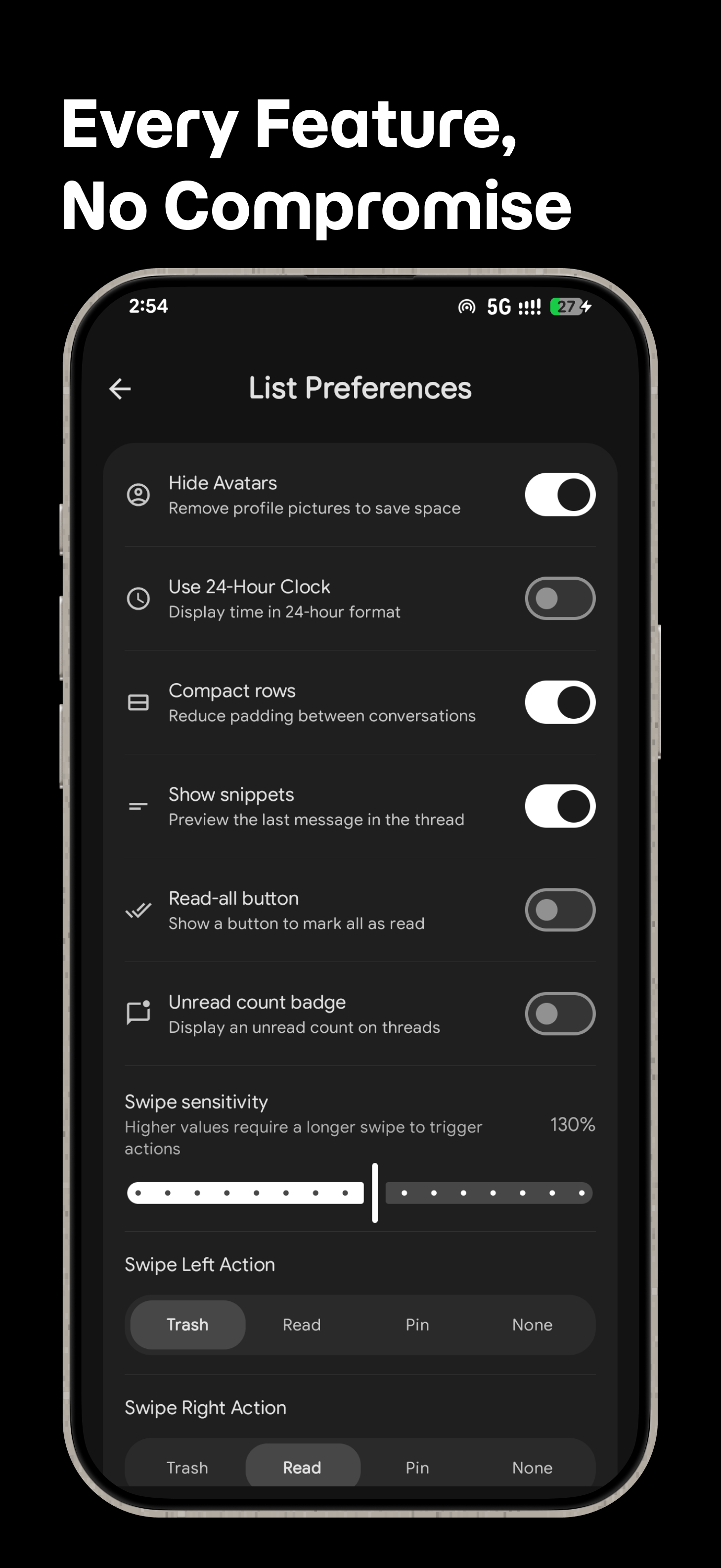
Decide what left and right swipes do per thread, then long-press to move one — a floating pill gives you four seconds to change your mind.

08

Rich threads

Every MMS photo in a per-conversation gallery, rich previews for links people send you, and a draft saved for every thread you half-finished.

09

Notifications you control

Mute the categories you don't care about, give each one its own sound, and let OTP messages clean themselves up on a timer you choose.

10

Locked down

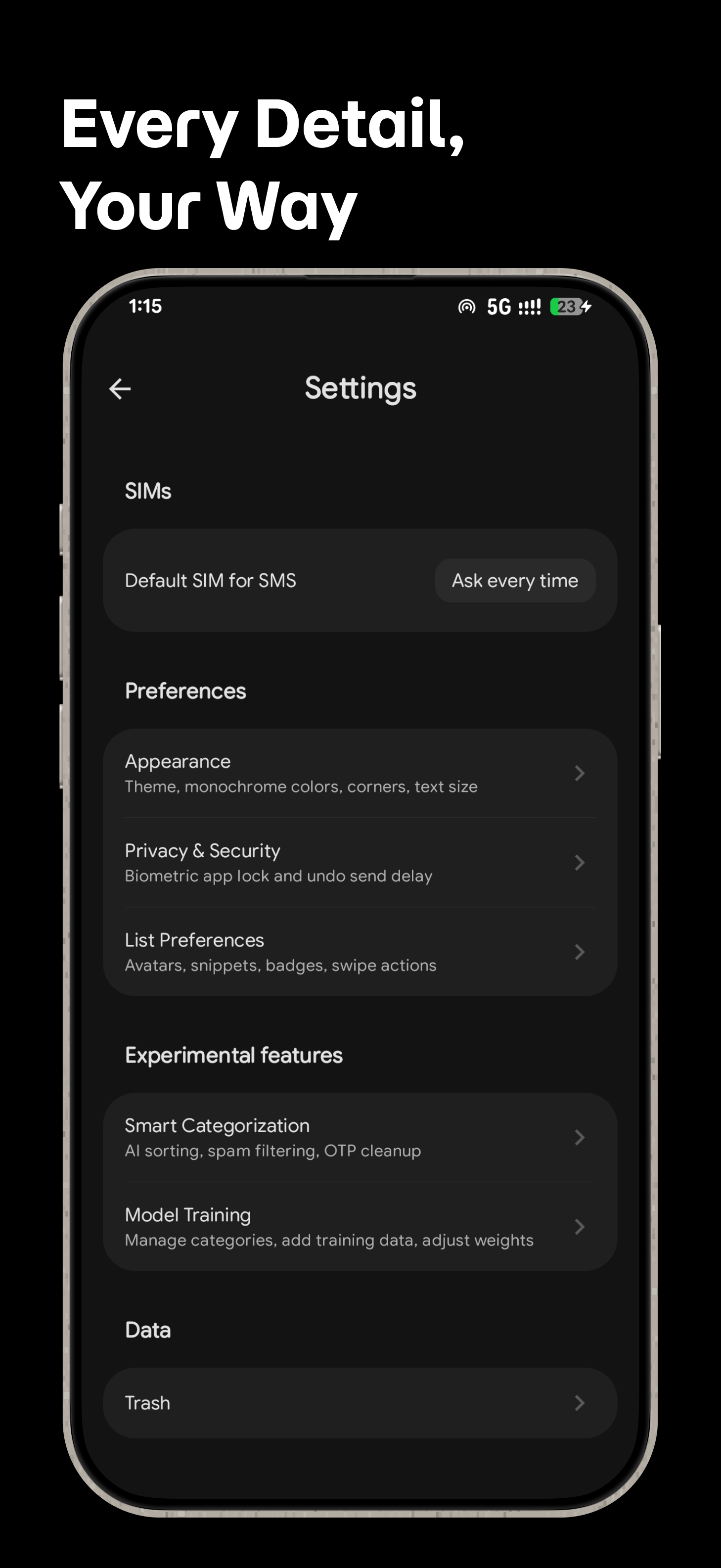
Block senders you never want to hear from, recover deleted conversations from Trash, and put a fingerprint or face behind the app.

11

Built for big screens

Tablets and foldables get a two-pane layout — conversation list on the left, selected thread on the right. Phones stay single-pane.

12

Your language, your look

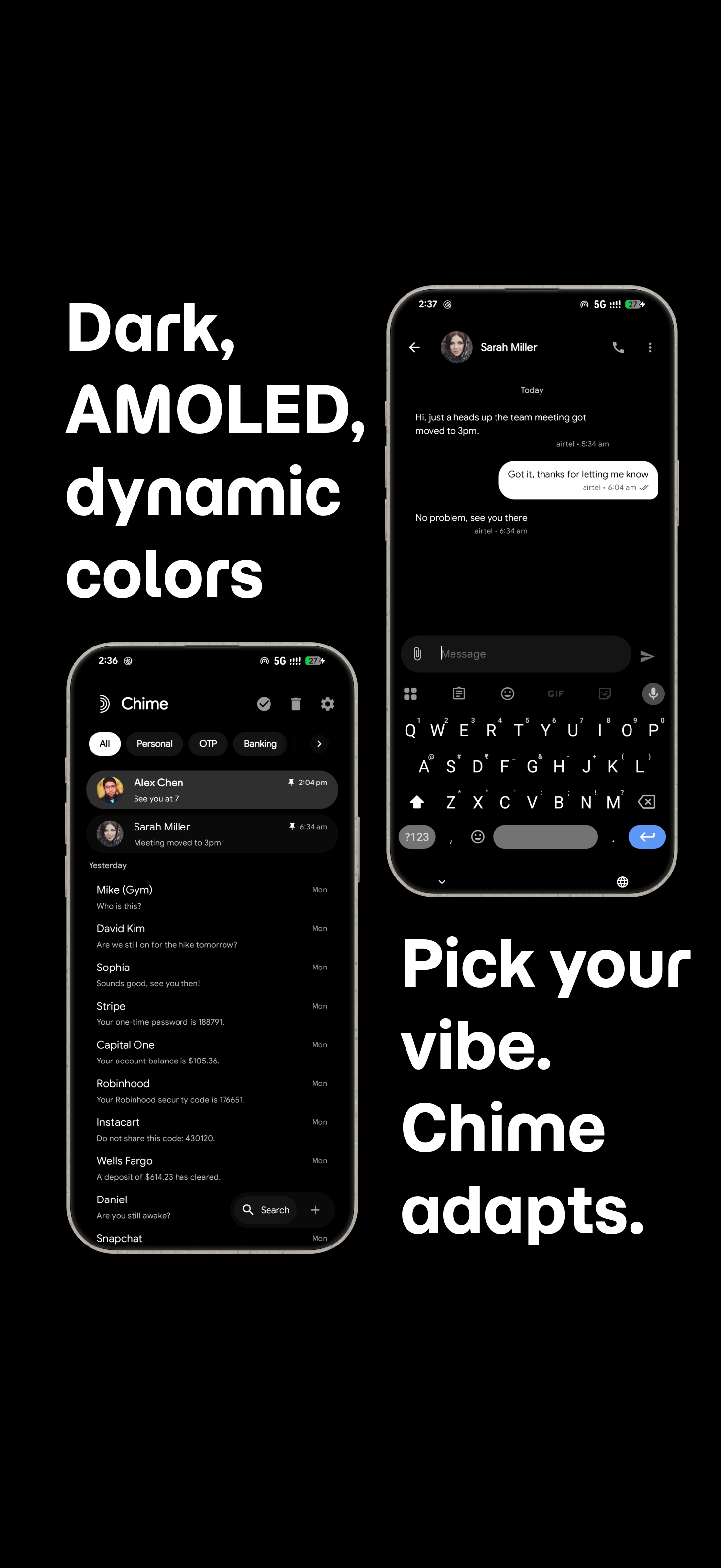
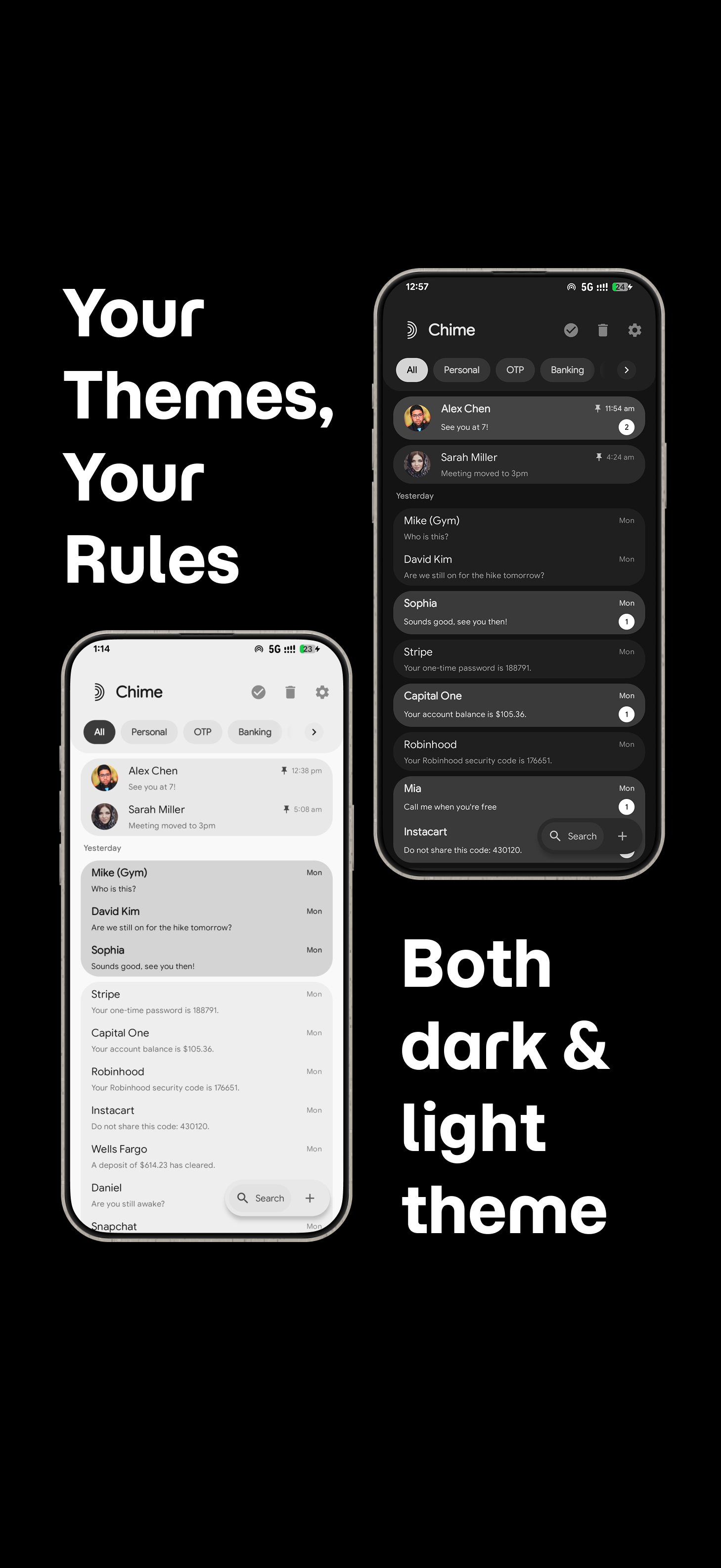
35 languages with an in-app picker, AMOLED true-black alongside a hand-tuned light and dark palette, corner styles, text size, and two app icons to choose from.
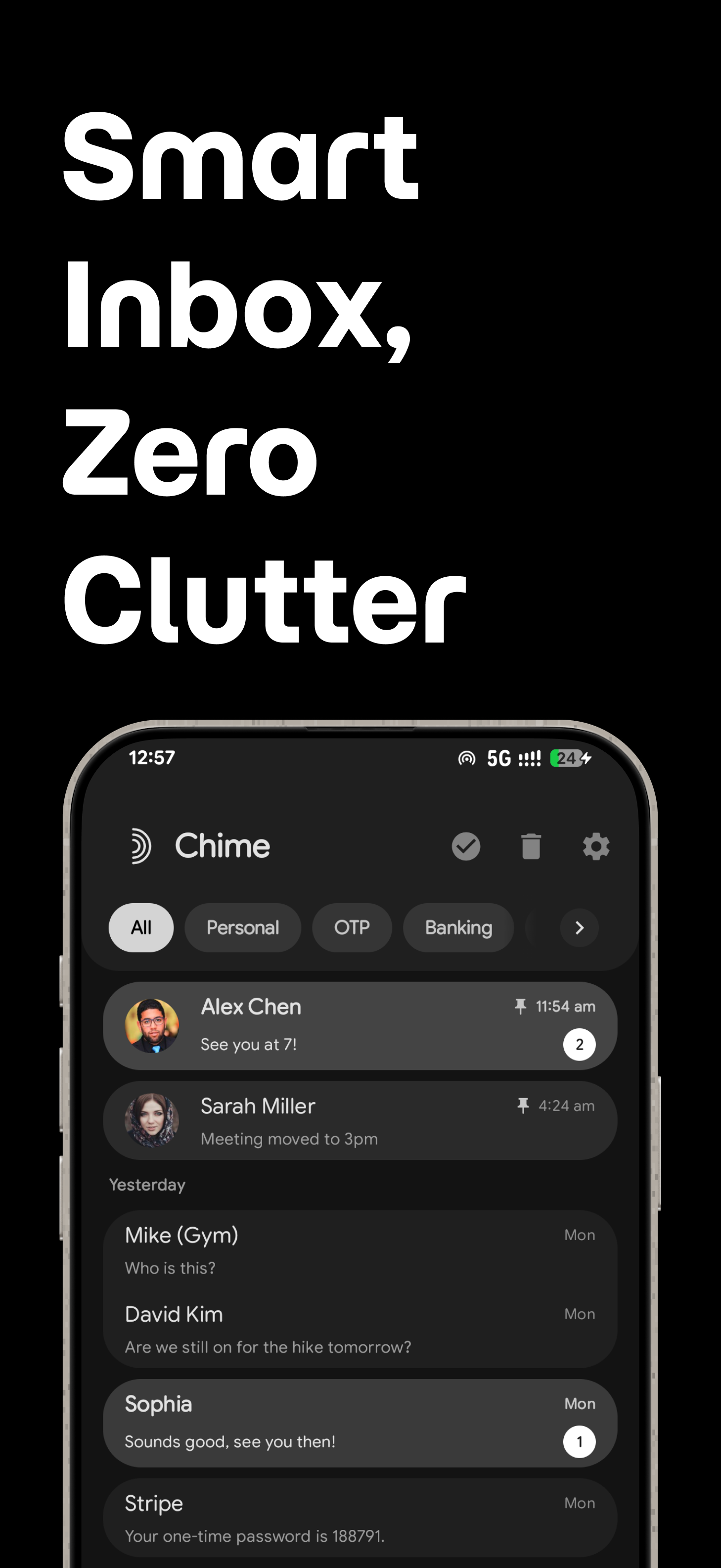
See it in action.

Chime screenshot 1
Chime screenshot 2
Chime screenshot 3
Chime screenshot 4
Chime screenshot 5
Chime screenshot 6
Chime screenshot 7
Chime screenshot 8

Version 0.4.1, on Play now.

The current release adds reminders and adaptive layouts, plus a round of customization and reliability work.

The model lives on your phone. That's the whole design.

Categorization, search, reminder detection and training all run locally. There's no account to create and no server that ever sees a message.

Cloud processingNone
Message content uploadedNever
Accounts requiredNone
Telemetry & analyticsNone
CategorizationOn-device
Model retrainingOn-device
Reminder detectionOn-device
OTP auto-cleanupOn-device, on your timer
Crash reportsCaptured on-device

Kotlin, Compose, Material 3.

A conventional, well-supported Android stack — nothing exotic to maintain.

Kotlin 2.2.10Jetpack Compose · BOM 2026.02.01Material 3Navigation Compose 2.9.8SQLite + FTS4DataStore PreferencesWorkManager 2.9.0Coil 2.6.0JSoup 1.18.3Android Gradle Plugin 9.2.1minSdk 30 · targetSdk 36

Get Chime on
the Google Play Store.

$2.99one-time purchase · no subscription

Requires Android 11 or later — Chime asks to become your default SMS app.

Refunds can be requested through Google Play within 48 hours of purchase. See the Terms of Service.